Is Your Website Losing Customers?
Introduction
Imagine a customer excited to visit your website, but instead of loading instantly, the page takes forever. What do they do? They leave.
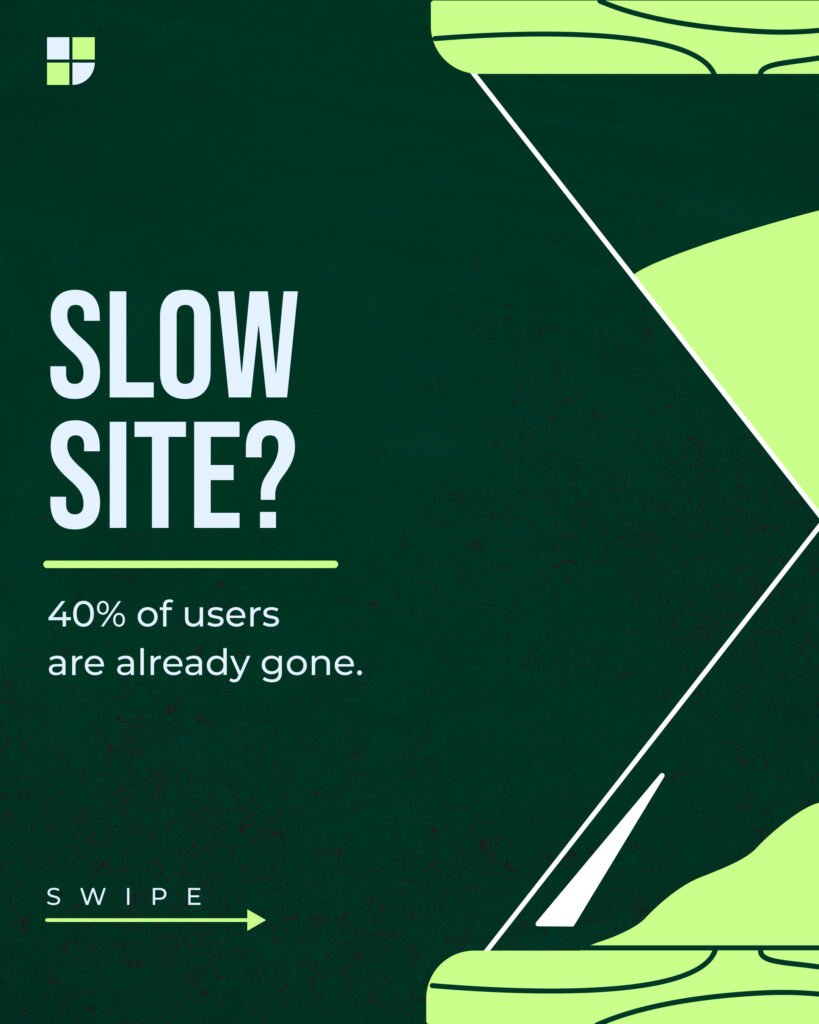
Studies show that 40% of users abandon a website if it takes more than 3 seconds to load. That’s almost half of your potential customers—gone before they even see what you offer.
A slow website can hurt your sales, damage your brand reputation, and even lower your Google rankings. The good news? You can fix this problem quickly with the right steps.
In this post, we’ll cover three simple ways to speed up your website, improve user experience, and boost your conversions. Let’s get started!
1. Optimize Images for Faster Loading
Large, unoptimized images are one of the biggest culprits behind slow websites. If your site uses high-resolution images that aren’t compressed, they take up more space and slow everything down.
✅ How to fix it:
- Use tools like TinyPNG or JPEGmini to compress images without losing quality.
- Convert images to WebP format, which loads faster than JPEG or PNG.
- Resize images before uploading—don’t use a 2000px image when it only needs to be 500px wide.
Real-life example: A small clothing brand reduced image sizes by 50% and saw a 30% improvement in page speed. The result? Lower bounce rates and higher sales!
2. Enable Browser Caching
Every time someone visits your website, their browser has to load all elements from scratch—images, stylesheets, and scripts. This can be time-consuming, especially for returning visitors.
Browser caching saves some of these elements on the user’s device, so the next time they visit, the page loads instantly.
✅ How to fix it:
- Enable caching using a plugin (if using WordPress, try WP Rocket or W3 Total Cache).
- Set expiration times for static files so browsers don’t reload them unnecessarily.
Real-life example: A local bakery enabled caching and cut their homepage load time by 60%. Customers loved the faster browsing experience, and online orders increased!
3. Choose Reliable Hosting
Your hosting provider plays a huge role in your website speed. If you’re using cheap, overcrowded hosting, your site will load slowly, especially during peak hours.
✅ How to fix it:
- Upgrade to a faster hosting plan (VPS or dedicated hosting).
- Use CDN (Content Delivery Network) to distribute content globally.
- Pick a provider known for speed and reliability (like SiteGround, Cloudways, or Kinsta).
Real-life example: An online store switched from shared hosting to a cloud-based provider and cut load times by 2 seconds, leading to a 20% increase in sales.
Why This Matters for Your Business
🚀 Faster websites mean happier customers
🔼 Higher Google rankings lead to more traffic
💰 Improved speed = better conversion rates
At Webtize, we help businesses like yours create high-performing websites that load fast, rank well, and convert visitors into customers. If you’re struggling with a slow website, let’s fix it today!
📩 Contact Webtize for a free website speed audit and see how we can optimize your site for success.
How fast does your website load? Let us know in the comments! ⬇️